~/projects/chhaya
chhaya
A private, local virtual camera for Windows.
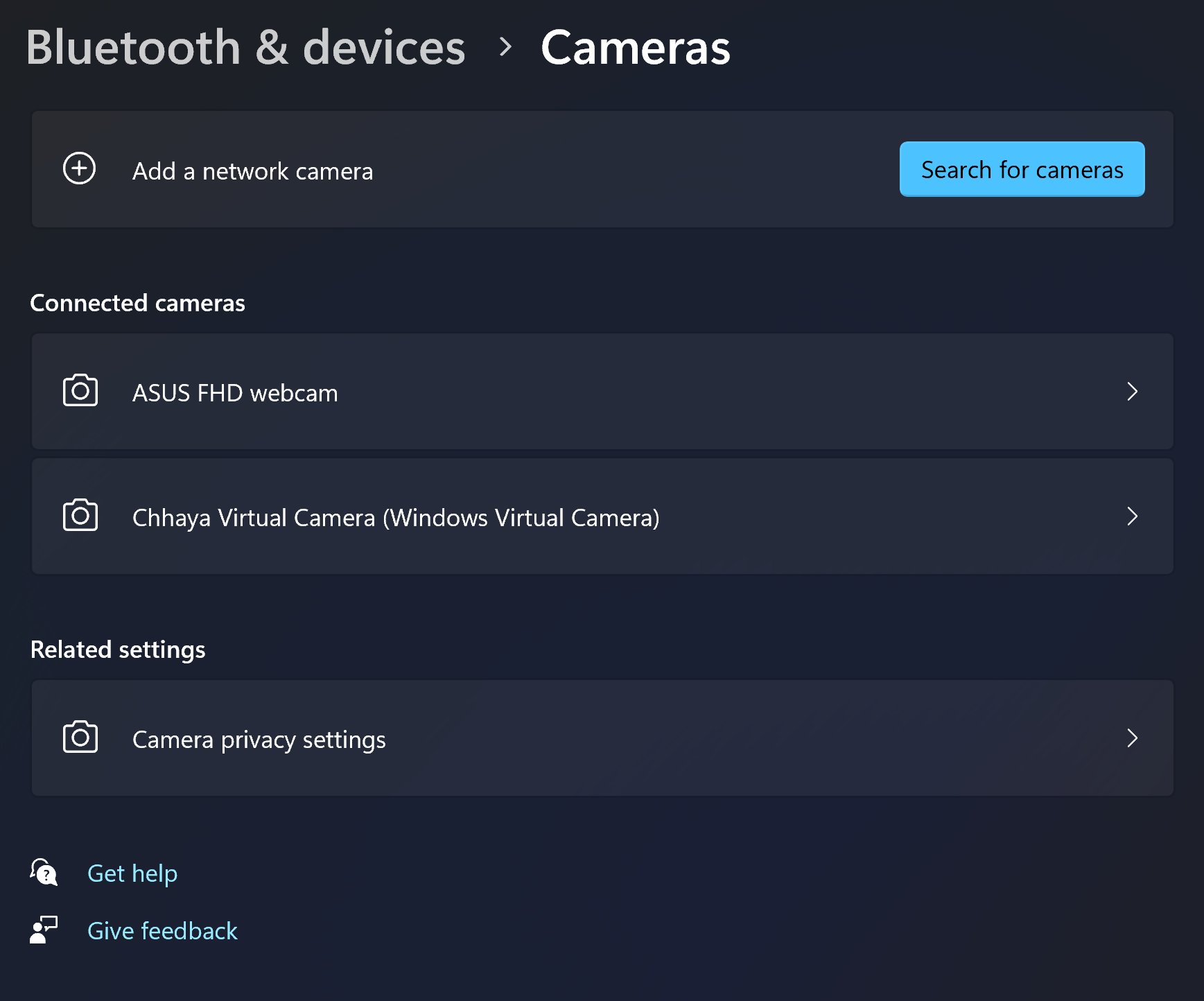
Use your webcam, an avatar, a video, an image, or a scene card as the camera seen by other Windows applications. Face tracking and rendering happen on your own device, with no Chhaya account, cloud service, or telemetry.
what it does
Private by construction
Video and facial measurements stay on the PC. Chhaya has no account system, telemetry, cloud processing, or application networking code.
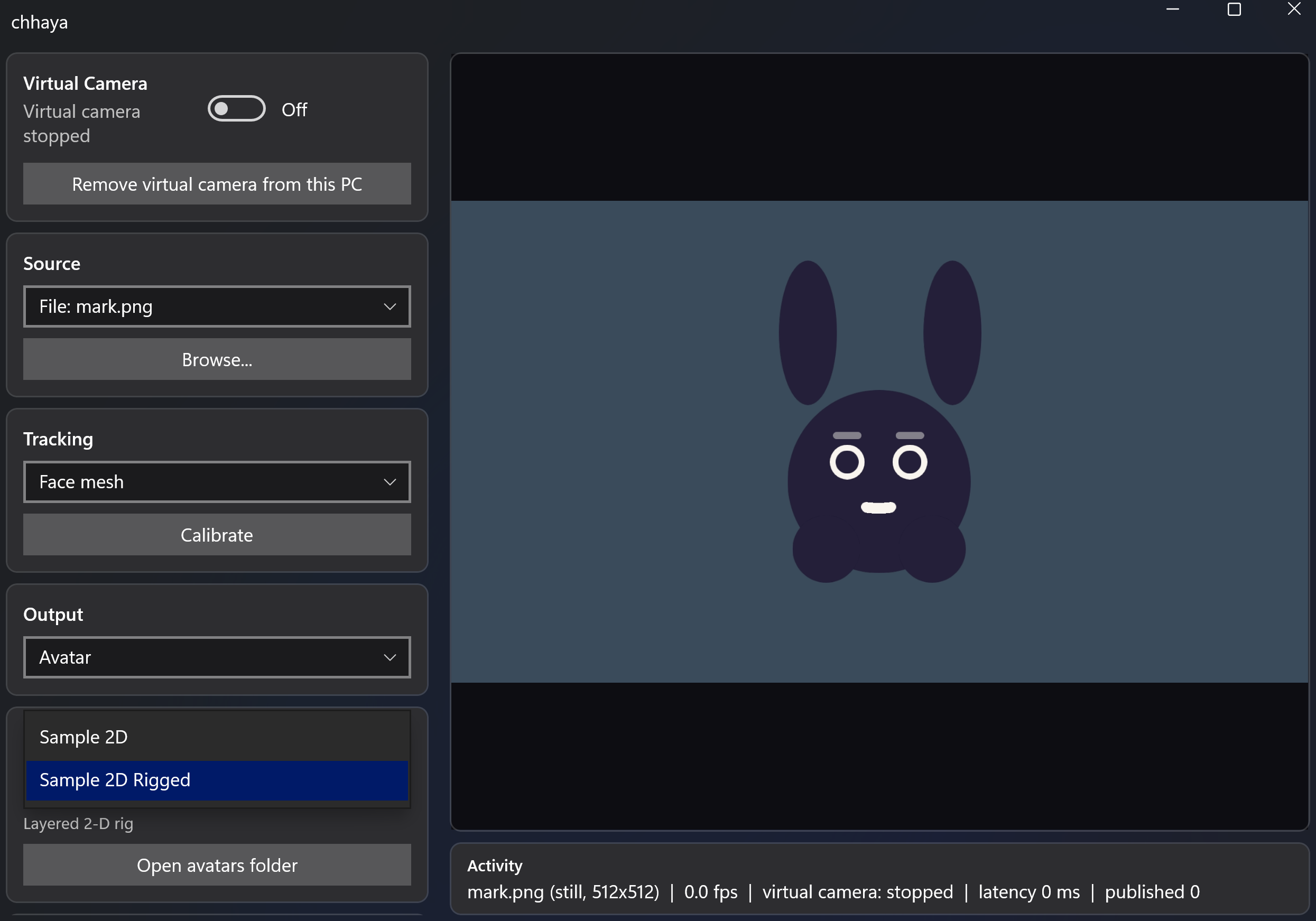
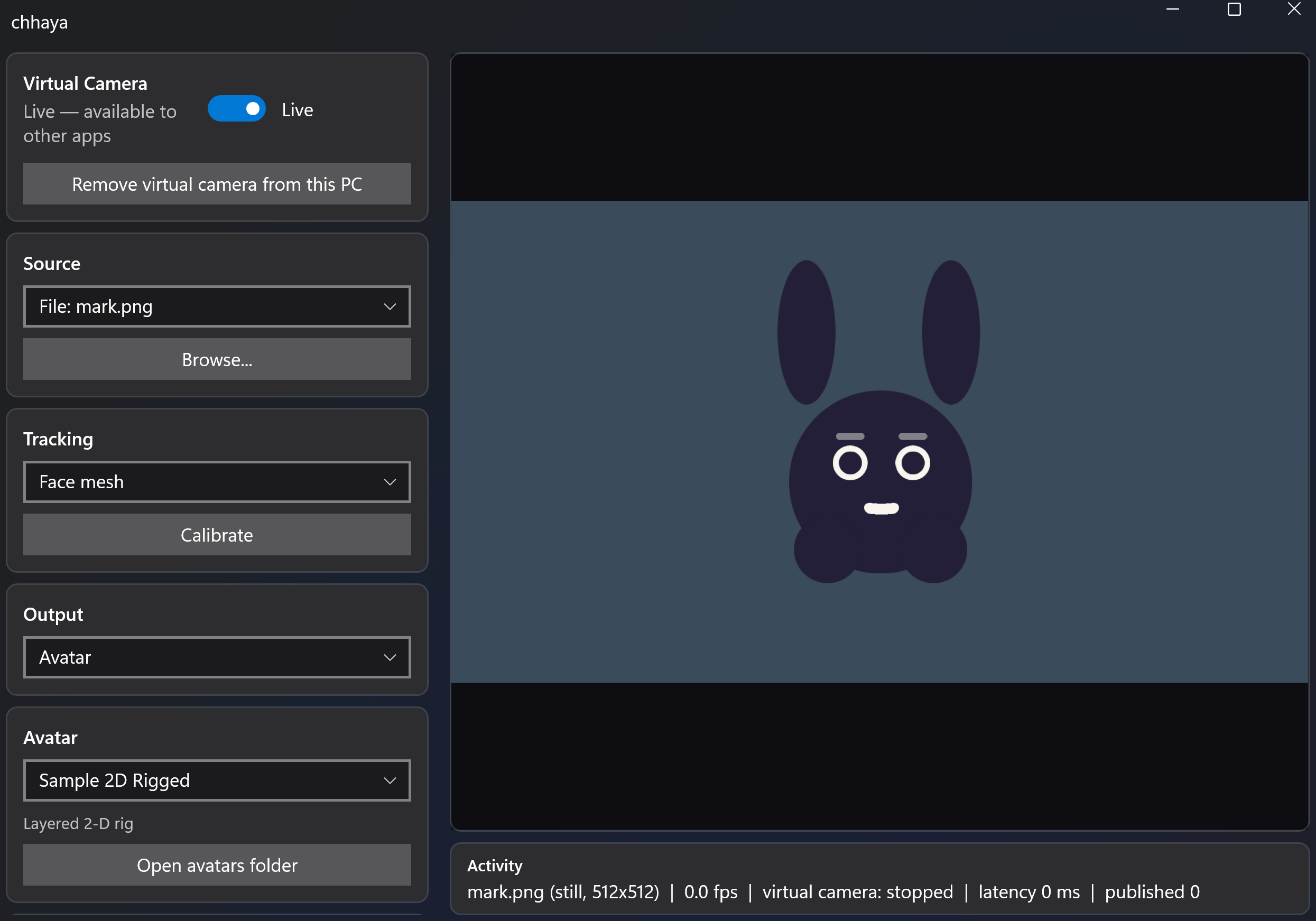
Face-driven avatars
A 478-point face mesh, 52 expression measurements, and head pose can drive VRM models, layered 2-D rigs, or four-image sprite sets at up to 30 tracking updates per second.
More than a webcam
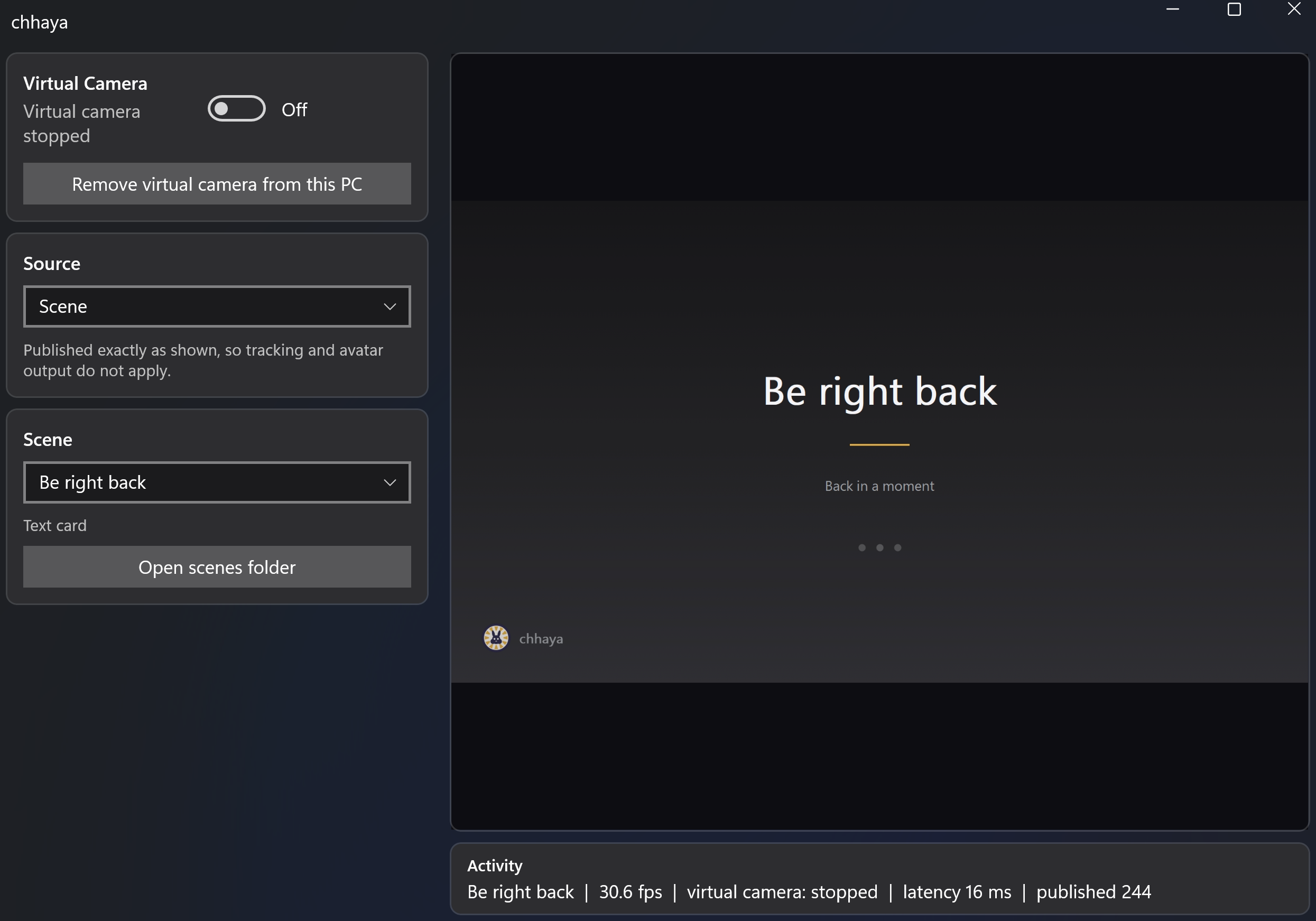
Publish a video, animated GIF, still image, standby screen, or editable scene card instead of live camera video.
Background choices
Place a colour, image, sharp room, or blurred room behind an avatar. Windows Studio Effects blur is available when the selected camera supplies it.
Bring your own art
Drop avatars into Documents\Chhaya\avatars and scenes into Documents\Chhaya\scenes. Art reloads while Chhaya is running.
Native Windows pipeline
C++20, Media Foundation, D3D11, and Windows ML, with no browser engine or background service.
Local means local
Chhaya does not operate servers, create accounts, collect telemetry, or send video and facial measurements over a network. The application you select as the camera client receives the video you choose to publish.
Read the complete privacy statementscreenshots
requirements
- Windows 11 (the virtual-camera API is not available on Windows 10)
- x64 processor; the Store package is intentionally x64-only until ARM64 client compatibility is validated
- A webcam only when using camera or face-tracked avatar input
- Administrator approval once when installing the system-wide virtual-camera component
compatibility evidence
Named support is limited to configurations that have actually been observed. Other camera clients may work, but are not claimed as verified yet.
verified
- Discord camera passthrough and avatar output
- OBS, Microsoft Teams, Zoom, and browser WebRTC clients
- Windows 11 x64
- DirectML on NVIDIA and AMD graphics
- VitisAI on one AMD XDNA2 NPU
not yet verified
- Real VRoid-authored VRM characters
- Intel and Qualcomm NPU execution providers
- Native ARM64 and mixed native/emulated camera clients